.jpg?width=1000&height=162&name=toodledo_logo%20(1).jpg "toodledo_logo (1)")
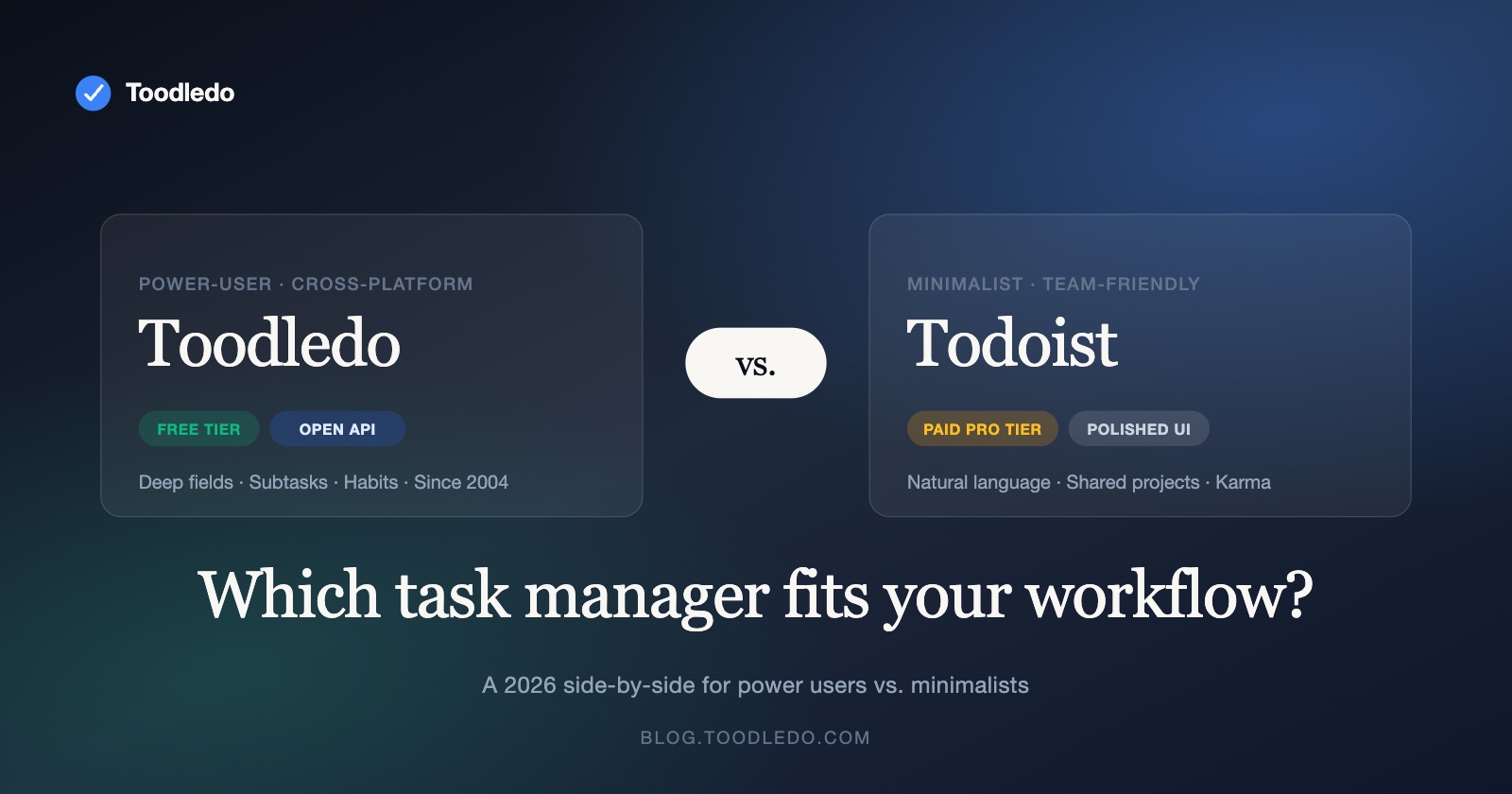
Toodledo vs Todoist 2026: Which Task Manager Fits Your Workflow?
TL;DR — Toodledo vs. Todoist in 2026:
- Choose Todoist if you want a polished, minimalist experience with natural-language input, strong team collaboration, and a beautiful cross-platform UI. Best for users who value design and simplicity ($4/mo Pro).
- Choose Toodledo if you need deep fields, subtasks, habits, saved searches, and an open REST API — the power user’s task manager, with a free tier and cross-platform access (Web + iOS + Android, since 2004).
- Migration path: Export Todoist as CSV → import into Toodledo, then manually recreate labels as tags and projects as folders. 1–2 hours for a typical list.
- Also comparing Pocket Informant or CalenGoo? See our Toodledo vs. Pocket Informant and Toodledo vs. CalenGoo comparisons.
If you are comparing Toodledo vs Todoist, you are not alone.
Choosing a task manager is personal. The “best” app depends entirely on how you work, what you need to track, and how much control you want over your system. Toodledo and Todoist are two of the most established names in task management, but they serve different types of users.
This comparison is honest. We’ll tell you where Todoist genuinely excels — and where Toodledo gives you capabilities that Todoist simply doesn’t offer. By the end, you’ll know which tool fits your workflow. Understanding Toodledo vs Todoist helps teams work smarter.
Quick Comparison at a Glance
| Feature | Toodledo | Todoist |
|---|---|---|
| Free plan | Yes — generous feature set | Yes — up to 5 projects |
| Paid pricing | $3.99/mo (Pro) | $4.00/mo (Pro) |
| Custom fields | Yes — extensive customization | Limited |
| Contexts (GTD) | Yes — built-in | Workaround via labels |
| Subtasks | Unlimited nesting | Up to 5 levels |
| Habit tracking | Built-in | Not available |
| Note-taking | Built-in rich notes | Task comments only |
| Location reminders | Yes | Yes (Pro) |
| Offline mode | Full offline on mobile | Full offline on mobile |
| Collaboration | Task sharing, assignment | Shared projects, comments, activity log |
| API access | Full REST API | Full REST API |
| Interface style | Data-rich, spreadsheet-like | Clean, minimal |
| Best for | Power users, GTD practitioners | Minimalists, team collaborators |
Feature Deep Dive
Task Organization & Customization
This is where the two apps diverge most sharply. Toodledo treats task management like a database: you can create custom fields, sort and filter by virtually any attribute, resize columns, and build views that show exactly the data you care about. Its grid-like interface supports inline editing, making bulk task management fast and efficient.
Todoist takes the opposite approach: simplicity. Its interface is deliberately minimal, with natural language input (“Every Monday at 9am”) that makes adding tasks effortless. Projects, labels, and filters provide organization, but you won’t find the same depth of customization.
✅ Winner: Toodledo for power users who want full control. Todoist for users who prefer simplicity over configurability.
GTD & Productivity Methodology Support
If you follow David Allen’s Getting Things Done methodology, Toodledo is one of the few task managers that natively supports it. Contexts (@Office, @Phone, @Errands) are a first-class feature, not a workaround. Combined with folders (projects), tags, and the ability to set next actions, you can implement GTD without any hacks. This approach to Toodledo vs Todoist can transform your workflow.
Todoist can be used for GTD, but it requires using labels as a proxy for contexts and relies on filters to replicate GTD views. It works, but it’s an adaptation rather than a native fit.
✅ Winner: Toodledo — purpose-built for GTD with contexts, next actions, and project folders.
Habit Tracking
Toodledo includes a built-in habit tracker that lets you monitor daily habits alongside your tasks. This consolidation means you don’t need a separate app (like Streaks or Habitica) to track routines. You can see your task list and your habits in one place.
Todoist does not offer habit tracking. You can set up recurring tasks as a workaround, but there’s no streak tracking, analytics, or dedicated habit interface. When it comes to Toodledo vs Todoist, consistency makes all the difference.
✅ Winner: Toodledo — built-in habit tracking is a genuine differentiator.
Collaboration & Team Features
Todoist has invested heavily in collaboration. Shared projects let team members see the same task list, assign tasks, leave comments, and view an activity log. It’s a natural fit for small teams who need lightweight project management without the overhead of tools like Asana or Monday.com.
Toodledo supports task sharing and assignment, but its collaboration features are more basic. It’s designed primarily as a personal productivity tool that can accommodate sharing, rather than a team-first platform.
✅ Winner: Todoist for teams. Toodledo for individuals who occasionally share tasks. Effective Toodledo vs Todoist requires the right tools and habits.
User Interface & Learning Curve
Todoist is widely praised for its clean, intuitive interface. New users can be productive within minutes. The natural language parsing is excellent — type “Buy groceries every Saturday p1” and Todoist creates a recurring high-priority task automatically.
Toodledo’s interface is more utilitarian. The grid-based layout shows more information at once, which power users love but newcomers can find overwhelming. The learning curve is steeper, but the payoff is a system that can handle far more complexity.
✅ Winner: Todoist for ease of use. Toodledo for information density and power-user workflows.
Pricing & Value
Both apps offer free plans. Todoist’s free tier limits you to 5 active projects and 5 collaborators per project. Toodledo’s free plan is more generous with features but has its own limits on advanced functionality. Many users find that Toodledo vs Todoist becomes second nature with practice.
At the paid tier, both are priced similarly at around $4/month. However, Toodledo’s Pro plan includes habit tracking, advanced fields, and features that would require third-party apps to replicate in Todoist’s ecosystem. Dollar for dollar, Toodledo packs more functionality into its Pro plan.
✅ Winner: Toodledo on value — more features per dollar at the Pro tier.
The Bottom Line: Who Should Choose Which?
Choose Toodledo if you…
- Follow GTD or another structured productivity methodology
- Want habit tracking built into your task manager
- Prefer a data-rich, customizable interface
- Need custom fields, advanced sorting, and deep filtering
- Are a power user who manages 50+ active tasks across multiple projects
- Value offline mode and multi-platform reminders (including SMS)
Choose Todoist if you…
- Want the simplest possible task capture experience
- Need team collaboration with shared projects and activity logs
- Prefer a clean, minimal interface over information density
- Use natural language input heavily for task creation
- Manage a small number of straightforward projects
Many productivity enthusiasts use both: Todoist for quick personal capture and Toodledo for structured project and habit management. There’s no rule that says you can only use one tool.
Frequently Asked Questions
Can I import my Todoist tasks into Toodledo?
Yes. You can export your Todoist tasks as a CSV file and import them into Toodledo. We’ll be publishing a step-by-step migration guide soon that covers how to map Todoist projects, labels, and priorities to Toodledo’s folders, tags, and priority system.
Is Toodledo good for teams?
Toodledo supports task sharing and assignment, making it suitable for small teams. However, if team collaboration is your primary need, Todoist’s shared projects and activity feeds provide a more polished experience. Toodledo shines brightest as a personal or small-team power tool.
Does Toodledo have an API?
Yes. Toodledo offers a full REST API that allows you to integrate with other tools, build custom workflows, and automate task management. This is particularly valuable for users who want to connect Toodledo to Zapier, IFTTT, or custom scripts.
Which app is better for ADHD?
Many ADHD users prefer Toodledo because of its flexibility with contexts, custom views, and habit tracking. The ability to filter tasks by context (“show me only what I can do right now at my desk”) reduces overwhelm. We have a dedicated guide on ADHD-friendly task management coming in May.
→ Try Toodledo free for 14 days — see why power users choose Toodledo
Related: Exciting Updates: New Mobile Apps, Features and Work on Your Tasks, Not on Your List Toodl.
Related reading: Toodledo vs. Pocket Informant · Toodledo vs. CalenGoo · Toodledo features & pricing · Start a free account