Toodledo vs monday.com (2026): Which Fits a Small Team?
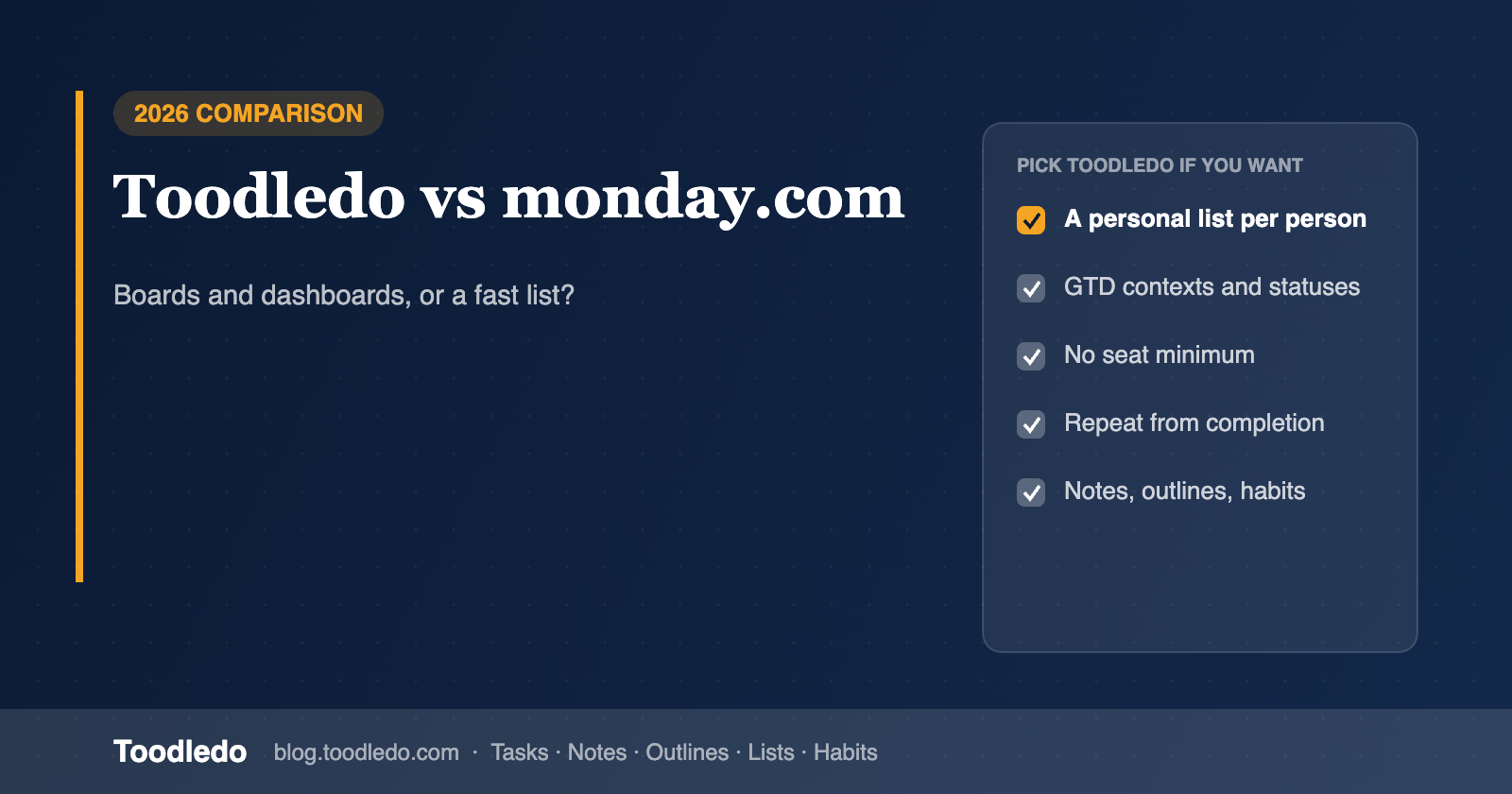
Short answer: Toodledo is a task system for individuals and small professional teams, with 14 built-in task attributes, saved searches, repeating tasks, notes, outlines, lists and habits, and shared folders where you set view, assign or edit permission per person. monday.com is a board-based work platform with dashboards and an automation builder. Choose Toodledo when your team needs clear task ownership and deadlines without configuration. Choose monday.com if you specifically need visual boards, dashboards or built-in automations.
At a glance
| Toodledo | monday.com | |
|---|---|---|
| What it is | Task manager with notes, outlines, lists and habits | Board-based work management platform |
| Built for | Individuals and small professional teams | Organizations that plan on boards and dashboards |
| Main view | Lists, saved searches, Hotlist | Boards, plus timeline, calendar, Gantt and dashboards |
| Custom fields | No (14 built-in attributes) | Yes, many column types |
| Automations | Via API and integrations | Built-in automation builder |
| GTD | Contexts, status, start dates built in | Possible with setup |
| Repeating tasks | From due date or completion date | Recurring items via automations |
| Collaboration | Shared folders with view, assign or edit permission per person; private folders; joint tasks; activity log; Toodledo for Business for whole teams | Boards, workspaces, guests, updates |
| Pricing | Free; Standard $3.99/mo, Plus $5.99/mo billed annually; Business priced by team size | Free up to 2 seats; Basic about $9, Standard $12, Pro $19 per seat/mo billed annually, 3-seat minimum |
Competitor pricing is based on published rates as of November 2026 and may change; check each vendor for current prices.
Where Toodledo is the better choice
- Your team is small and needs clear ownership. Share a folder, set view, assign or edit permission for each person, and keep everything else private. The activity log shows who changed what.
- Each person needs their own working list. Everyone filters shared work by their own contexts and saved searches, so the team list and the personal list are the same system.
- You don't want to configure columns and boards. Every attribute already exists and is optional.
- No seat minimum. There is no three-seat minimum and no need to buy seats for occasional collaborators.
- Recurring work. Repeat from completion keeps missed weekly tasks from stacking up.
- Tasks, notes, outlines and habits in one account.
Where monday.com fits better
- You plan on visual boards. Colorful boards, timelines and Gantt views are monday.com's core.
- You need a built-in automation builder. "When status changes, notify the owner" without code.
- You need cross-board dashboards for reporting.
A common pattern
Teams that use monday.com for project status boards often find it slows down day-to-day task work. A list-first tool with sharing and per-person permissions covers most small-team coordination on its own, at a lower cost and with no setup project.
Verdict
Choose Toodledo for a fast, structured task system for yourself or a small professional team, with real sharing permissions and no configuration. Choose monday.com if boards, dashboards and a built-in automation builder are what you need and you have someone to configure them. Start free or see Toodledo for Business.
Frequently asked questions
Is Toodledo a good monday.com alternative for small teams?
Yes. Toodledo gives a small team shared folders with view, assign or edit permission per person, joint tasks and an activity log, and gives each person contexts, statuses, start dates and saved searches over the shared work. It does not have boards, dashboards, Gantt charts or a built-in automation builder.
Does monday.com have a minimum number of seats?
Yes. monday.com paid plans are sold in seat bundles with a three-seat minimum, so a two-person team pays for three seats. The free plan covers up to two seats.
Does Toodledo have a board view like monday.com?
No. Toodledo is list-based, with saved searches, a Hotlist and a Scheduler. If a board view is essential to how you plan, monday.com provides one.
Which is better for day-to-day task management, Toodledo or monday.com?
Toodledo. It is built for GTD-style task lists and small-team sharing in the same system; monday.com is designed around boards and dashboards.