Best Productivity Platforms for Client-Focused Teams (2026)
Client-focused teams, such as accounting practices, law firms, agencies and consultancies, don't run on projects so much as on follow-ups. A return is waiting on documents, a draft is with the client, and a renewal is due next month. The platform that works for them keeps every client's tasks, notes and next steps in one place, so nobody has to ask where things stand.
Quick answer
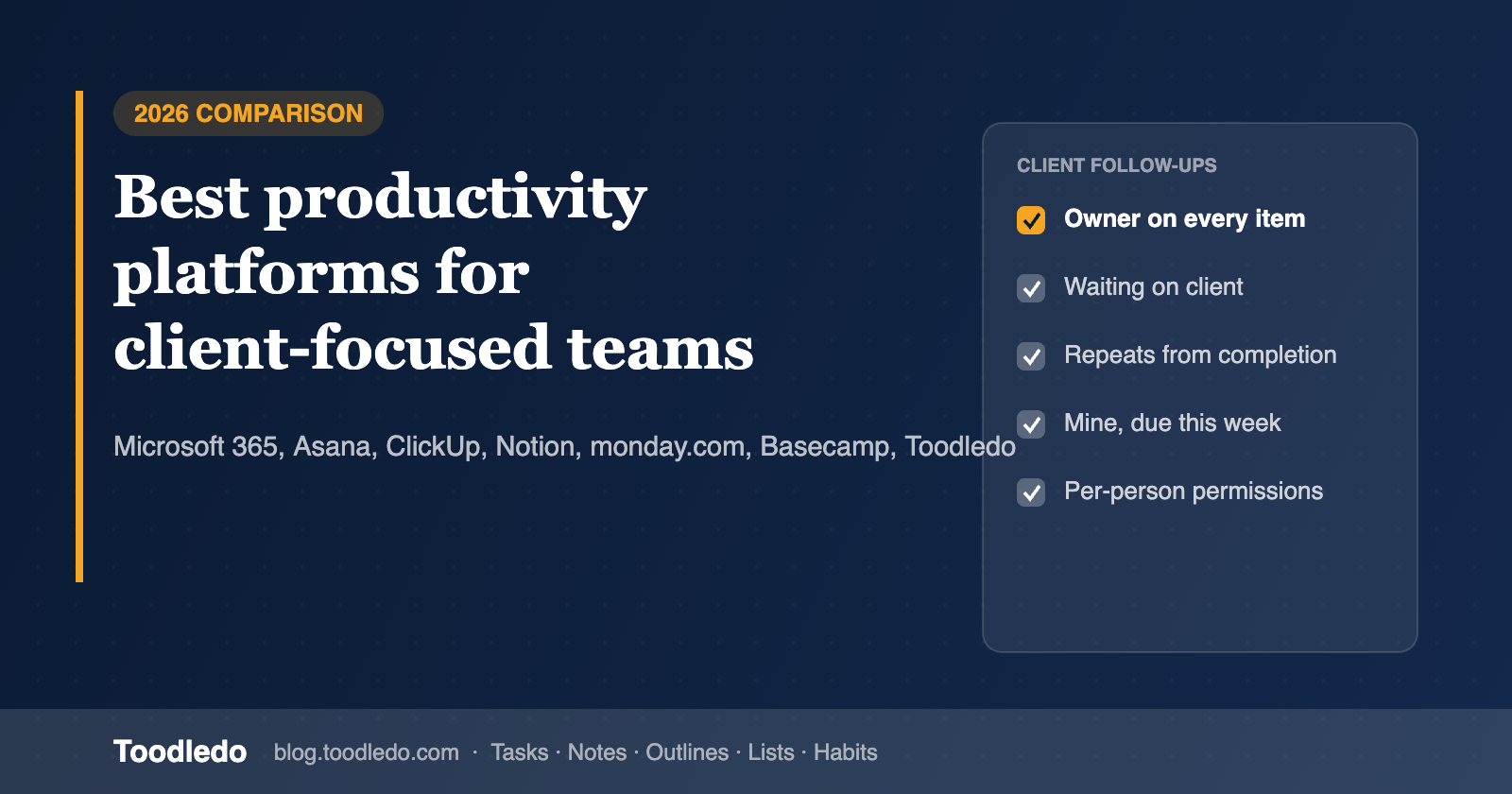
For small professional-services teams, the best productivity platform is the one that makes ownership, status and the next date visible for every client item without a long setup. Microsoft 365 (Planner, To Do and OneNote) fits firms already living in Teams and Outlook. Asana and monday.com fit teams that want project views and dashboards. ClickUp and Notion fit teams willing to build their own system. Basecamp fits teams that want to bring clients into the workspace. Toodledo fits small teams (roughly 5 to 50 people) that run on recurring client work and want a structured, shared task list with per-person views, plus notes, outlines and lists in the same account.
What client-focused teams actually need
- One place per client or matter. A folder, project or space that holds that client's open items.
- An owner, a status and a next date on every item. "Waiting on client" needs to be a status, not a comment buried in a thread.
- Recurring work that doesn't pile up. Monthly closes, quarterly filings and annual renewals should repeat on schedule and, ideally, from the date the last one was finished.
- A personal view of shared work. Each person should be able to see "mine, due this week" without scrolling the whole team list.
- Permissions. Not everyone should be able to edit every client's work.
- Notes and context close to the task. Call notes, checklists and reference lists shouldn't live in five different apps.
- Low admin overhead. Small firms rarely have someone whose job is to maintain the system.
The platforms compared
Microsoft 365 (Planner, To Do, OneNote)
Best for: firms that already run on Outlook and Teams. Planner boards sit inside Teams channels, To Do collects personal and assigned tasks, and OneNote provides shared notebooks. Watch out for: work spread across several apps, and lighter filtering and recurring-task options than dedicated task tools.
Asana
Best for: teams that manage client engagements as projects with list, board and timeline views, plus reporting for managers. Watch out for: per-seat pricing and more setup than many small firms need for day-to-day follow-ups.
ClickUp
Best for: teams that want tasks, docs and dashboards in one highly configurable tool. Watch out for: the learning curve. Flexibility means someone has to design and maintain the setup.
Notion
Best for: teams that want docs, wikis and databases together and enjoy building their own workflows. Watch out for: it's a toolkit, not a ready-made task system. Reminders, recurring work and personal views depend on how you build it.
monday.com
Best for: visual boards, automations and dashboards across a pipeline of client work. Watch out for: plans are sold in seat bundles, and the board-first model can feel heavy for simple follow-up lists.
Basecamp
Best for: project-based client work where you want message boards, to-dos and files together, and the option to invite clients in. Watch out for: fewer task attributes and filters for teams juggling many small recurring items.
Toodledo
Best for: small professional-services teams that run on recurring client work and want structure without building it. Every task carries 14 built-in attributes, including folder (one per client or matter), context, tags, goal, priority, start and due dates, and a status field with values such as next action, waiting, delegated and on hold. Tasks can repeat from the due date or from the completion date. Each person can save their own searches with AND/OR logic, like "waiting on client" or "mine, due this week" (Standard and up). Tasks, lists and outlines can be shared with colleagues with view, assign or edit permission per person. The same account also includes personal notes, unlimited-depth outlines, custom lists with 20+ column types and habits. Watch out for: Toodledo doesn't offer Kanban boards, Gantt charts, dashboards or custom fields. If your team runs on those, a project-management suite is the better fit.
Side-by-side
| Need | Microsoft 365 | Asana | ClickUp | Notion | monday.com | Basecamp | Toodledo |
|---|---|---|---|---|---|---|---|
| Main model | Boards + lists + notebooks | Projects + views | Configurable workspace | Docs + databases | Boards + dashboards | Projects + message boards | Structured shared task list |
| "Waiting on client" as a status | Via labels or buckets | Via custom fields | Via custom statuses | Build it | Via status columns | Via lists | Built in |
| Personal saved views of shared work | Limited | Yes | Yes | Build it | Yes | Limited | Yes (AND/OR searches) |
| Repeat from completion date | No | Yes | Yes | Build it | Via automations | Limited | Yes |
| Notes and outlines alongside tasks | OneNote (separate app) | Project notes | Docs | Core strength | Docs | Docs | Notes, outlines, lists in same account |
| Setup effort for a 10-person firm | Low to medium | Medium | High | High | Medium | Low | Low |
| Free plan | No (part of M365) | Yes | Yes | Yes | Yes | Limited | Yes |
Competitor capabilities change often and vary by plan; check each vendor's current plan pages before deciding.
How small teams should choose
- List your recurring client work. If most of it repeats monthly or quarterly, prioritize recurring tasks and statuses over boards and timelines.
- Count who needs to see what. If partners, staff and assistants need different access, check permissions per person, not just per workspace.
- Decide how much you want to build. ClickUp and Notion reward builders. Toodledo, Basecamp and Planner work with little setup.
- Test with one real client for a week. Put every open item for that client in the tool and see whether anyone still has to ask for a status.
- Check total cost at your headcount. Per-seat pricing, seat bundles and add-ons change the picture quickly for a 10 to 20 person firm.
Example: a client pipeline in Toodledo
- One folder per client, shared with the people who work on it.
- Every task has an owner, a due date and a status: next action, waiting (on client), delegated, or hold.
- Recurring tasks for monthly bookkeeping, quarterly estimates or annual renewals, set to repeat from completion so a late month doesn't create a backlog.
- Saved searches per person: "Mine this week", "Waiting on client > 7 days", "Due before Friday".
- An outline per engagement for the step-by-step checklist, and personal notes for call summaries.
For a deeper walkthrough, see our guides to shared pipeline tools for small teams, team productivity platforms for small firms and platforms that cut down on check-ins, or the pages for accounting firms and law firms.
FAQ
Which team productivity platform best centralizes projects, notes and follow-ups?
ClickUp and Notion can hold all three if you build the system. Microsoft 365 spreads them across Planner, To Do and OneNote. Toodledo keeps tasks, notes, outlines and lists in one account with little setup; shared work lives in tasks, lists and outlines, while notes are personal.
Which collaborative list management software fits small professional-services teams?
Look for one folder per client, statuses such as "waiting on client", recurring tasks and per-person permissions. Toodledo for Business was designed for teams of roughly 5 to 50 people with that pattern; Asana and Basecamp suit teams that prefer project views.
How should small US teams choose a team productivity platform?
Start from how your work repeats, who needs which access, and how much setup you can maintain. Then test with one real client for a week before rolling out.
How much does Toodledo cost for a team?
Toodledo has a free plan. Standard is $3.99/month billed annually ($4.99 monthly) and Plus is $5.99/month billed annually ($7.99 monthly). Toodledo for Business covers whole teams and is priced by team size. Contact us for a quote.
Ready to try it with one client? Start free, or see Toodledo for Business.