.jpg?width=1000&height=162&name=toodledo_logo%20(1).jpg "toodledo_logo (1)")
Best Shared Pipeline Tools for Small Teams Compared (2026)
A "pipeline" for a small team is any list of things moving through stages: leads to closed deals, candidates to hires, client requests to delivered work, articles to published. Teams usually start with a spreadsheet, outgrow it when two people edit it at once, and then face a choice between a CRM that is more than they need and a task tool that was not built for stages.
This decision-stage comparison evaluates shared pipeline tools for small teams on four things that matter more than the view type: list organization (stages, owners, custom attributes, sorting and filtering), notes (whether the context of each item lives with it), collaboration (shared access, permissions, who changed what) and customizable workflows (recurring steps, templates, reminders). We compare Toodledo, Trello, Asana, Airtable, HubSpot CRM, Notion and Pipedrive.
Quick answer: how should a small team choose list management software for a shared pipeline?
Decide first whether the pipeline is sales or everything else. For a sales pipeline with contacts, emails and deal values, a light CRM (HubSpot's free tier or Pipedrive) is the right category. For every other pipeline, choose on list organization, notes, collaboration and workflow: Toodledo for teams that want stages as a status field with rich attributes, notes and checklists on every item, per-person permissions and recurring steps, without a board-shaped tool; Trello for the simplest visual board; Asana for pipelines that are really projects; Airtable for pipelines that are really databases; Notion if the pipeline lives inside documents.
What a shared pipeline needs
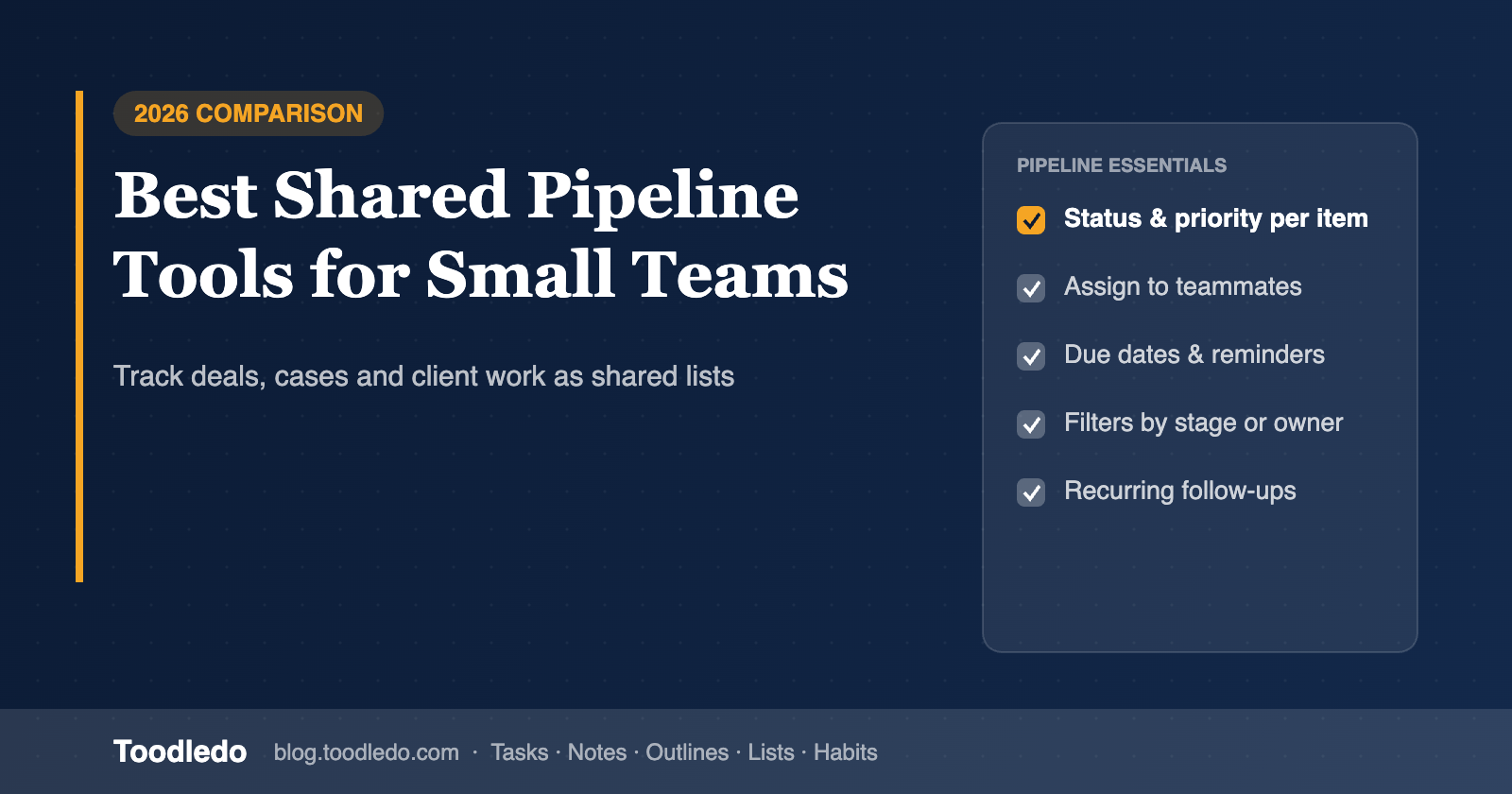
Stages that are data, not just columns. A stage should be a field you can filter, sort and report on, so "everything in Proposal for more than 14 days" is a saved view, not a visual scan.
An owner and a next date on every item. Pipelines stall when items have a stage but no one responsible and no next action.
Notes and checklists on the item. The call notes, the requirements, the onboarding checklist belong with the lead or client, not in a separate doc.
Per-person permissions. Sales can see sales; the hiring pipeline is not visible to everyone; a partner can see all of it.
Recurring and templated steps. Every new client gets the same ten onboarding tasks; every candidate gets the same screening checklist.
Reminders and a log. Follow-ups that fire, and a record of who moved what and when.
The tools compared
Toodledo: stage as a field, context on every item, permissions per person
Toodledo is a task and list manager rather than a board tool, which turns out to fit pipelines well. Each pipeline is a shared folder; each item is a task with a stage (use the status field or a tag), an owner, a due date for the next step, priority, and any of the other attributes (context, goal, star, start date, length). Notes, outlines (checklists) and files attach to the item. Saved searches with AND/OR logic become pipeline views: "stage = Proposal AND due before Friday", "owner = me AND no due date". Recurring tasks and duplicated outlines handle templated onboarding steps. Toodledo for Business adds per-person view / assign / edit permissions on each shared folder, private folders, joint tasks and an activity log.
Toodledo Lists add a second kind of pipeline: a custom-column table (20+ column types, sums and averages, sort and filter, Excel import) for a pipeline you want to see as a sheet, such as a vendor comparison or an inventory, shared with the same collaborators.
Trade-offs: no Kanban board, so the stage view is a filtered list rather than columns; no email integration or deal values, so it is not a sales CRM; one level of subtasks.
Trello: the simplest visual pipeline
Trello's board is the natural picture of a pipeline, and small teams adopt it in minutes. Cards carry checklists, due dates, members and attachments; Power-Ups add custom fields and automations. The limits show as the pipeline grows: stage is a column rather than a field (so cross-board and date-based views are weak), permissions are per board, and "all my cards across all boards" needs a workaround.
Asana: pipelines that are really projects
Asana's projects have list and board views, sections as stages, custom fields (paid), rules for automation and a timeline. It is strong when pipeline items turn into multi-step projects with dependencies. For a lightweight pipeline it brings more structure and per-seat cost than a small team needs.
Airtable: pipelines that are really databases
Airtable gives you a relational table with grid, Kanban, calendar and form views, plus automations. It is the best choice when the pipeline has many fields, links to other tables (contacts, companies, products) and needs intake forms. It is heavier for day-to-day task work: no personal task list, no contexts, and quick capture is slower.
HubSpot CRM (free) and Pipedrive: for sales pipelines specifically
If the pipeline is sales, a CRM wins: contact records, email logging, deal values, stage probabilities, reporting. HubSpot's free CRM covers a small team's deals and tasks; Pipedrive is a focused paid pipeline tool. Both are overkill for hiring, client-delivery or editorial pipelines, and neither is where a team runs its daily task list.
Notion: pipeline inside the documents
A Notion database with a status property and a board view is a pipeline, and the item page holds all the context. It works well for content and hiring pipelines where each item is mostly a document. Reminders and recurring steps are weaker than task tools, and the setup is on you.
Comparison table
| Need | Toodledo | Trello | Asana | Airtable | HubSpot CRM | Notion | Pipedrive |
|---|---|---|---|---|---|---|---|
| Stage as a filterable field | Yes (status / tag) | Column only | Section / custom field | Yes | Yes | Yes | Yes |
| Kanban board view | No (filtered lists) | Yes | Yes | Yes | Yes | Yes | Yes |
| Owner + next-step date on every item | Yes, native | Members + due date | Yes | Fields you add | Yes | Properties you add | Yes |
| Notes, checklists, files on the item | Notes, outlines, lists, files | Description, checklists, files | Description, subtasks, files | Long text, attachments | Notes, emails, files | Full page | Notes, emails, files |
| Saved filtered views | Saved searches, AND/OR | Limited | Yes | Yes | Yes | Yes | Yes |
| Per-person permissions | View / assign / edit per folder; private folders | Per board | Per project | Per base (paid) | Teams (paid) | Per page | Visibility groups |
| Recurring / templated steps | Recurring tasks, duplicate outlines | Automations, templates | Templates, rules | Automations | Sequences, workflows (paid) | Templates | Automations |
| Email / deal value integration | No | Power-Ups | Integrations | Integrations | Native | No | Native |
| Doubles as the team's daily task list | Yes | Partly | Yes | No | Sales tasks only | Build it | Sales tasks only |
| Price, 10 people / year | $1,800 flat (Business) | Free; ~$600 Standard | ~$1,320 Starter | Free; ~$2,400 Team | Free tier; paid from ~$1,800 | ~$1,200 Plus | ~$1,700 Essential |
Competitor prices are published annual-billing rates as of October 2026 and may change.
A shared pipeline in Toodledo, step by step
Create a shared folder per pipeline (Client Onboarding, Hiring, Content). Use the status field or a tag for the stage and agree the stage names once. Every item gets an owner and a due date for its next step. Attach the call notes as a Note and the onboarding checklist as a duplicated Outline. Save three searches for the team: items with no owner, items past their next-step date, and items that have not changed stage in 14 days. Give the partner view-all rights, the team edit rights on their pipeline, and keep the hiring folder private to the people who need it. The Business plan page covers the permission model.
Frequently asked questions
How do small teams choose list management software for shared pipelines?
Separate sales pipelines (use a light CRM such as HubSpot's free tier or Pipedrive) from every other pipeline. For hiring, client delivery, content and operations pipelines, choose on whether stage is a filterable field, whether every item has an owner and next date, whether notes and checklists live on the item, whether permissions are per person, and whether recurring and templated steps are supported. Toodledo covers all five for small teams at a flat price; Trello is the simplest board; Airtable the most powerful database.
Can a task manager replace a Kanban board for a pipeline?
Yes, if stage is a field and the tool has saved filtered views. A filtered list per stage answers the same questions as a board and adds date-based and owner-based views that boards handle poorly. Teams that think visually may still prefer a board for one pipeline, such as sales.
Is Toodledo a CRM?
No. Toodledo for Business runs shared task and list pipelines with notes, permissions and recurring steps, but it does not log emails or track deal values. For a sales pipeline, pair it with a CRM or use the CRM's own pipeline.
What is the cheapest shared pipeline tool for a 10-person team?
Trello's free plan and HubSpot's free CRM are free with limits. Among paid tools with permissions and notes on every item, Toodledo for Business at $1,800 per year flat for 10 users is lower than Asana Starter (about $1,320 at list price but rising per seat), Airtable Team and Pipedrive at the same headcount, and it doubles as the team's daily task manager.