.jpg?width=1000&height=162&name=toodledo_logo%20(1).jpg "toodledo_logo (1)")
Toodledo vs Todoist (2026): Complete Feature Comparison
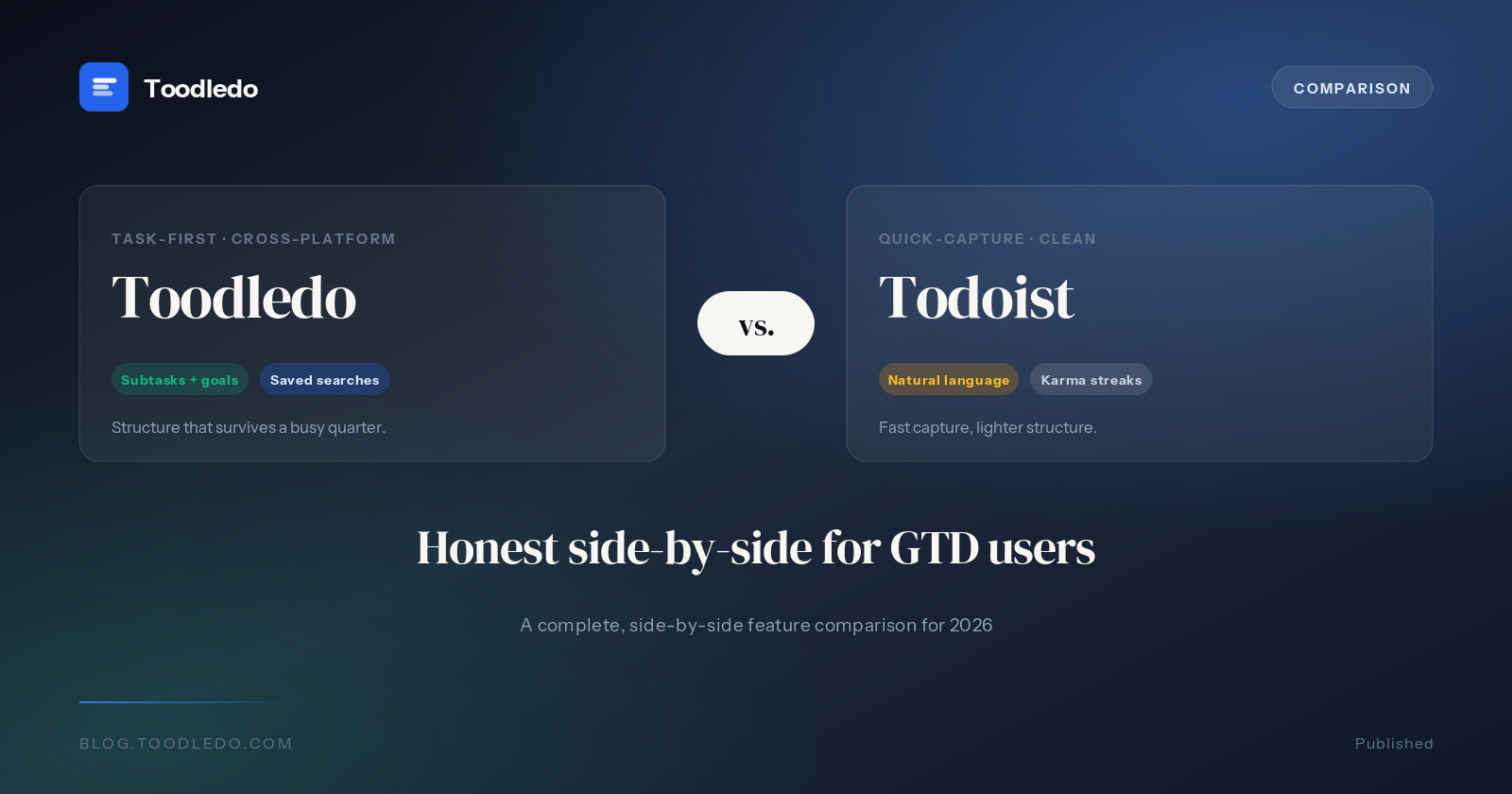
Toodledo and Todoist are two of the most established task management applications available today. Both offer cross-platform sync, recurring tasks, and shared projects. However, they take fundamentally different approaches to productivity. Toodledo is built around a database-like interface with inline editing, 12+ custom field types, and deep organizational structures. Todoist focuses on clean design, natural language task entry, and a broad ecosystem of integrations.
This comparison covers every major feature category to help you decide which app fits your workflow. All pricing and feature information reflects the state of both products as of July 2026.
Quick Comparison Table
| Feature | Toodledo | Todoist |
|---|---|---|
| Starting Price | $3.99/mo (Standard, annual) | $4/mo (Pro, annual) |
| Subtasks | Multi-level hierarchy (Standard+) | Single-level subtasks |
| Custom Fields | 12+ custom field types | Not available |
| Habit Tracking | Built-in | Not available |
| GTD Support | Native Contexts, Folders, Hotlist | Labels only (workaround) |
| Collaboration | 1 (Standard), 5 (Plus), Unlimited (Business) | Shared projects (Pro), full teams (Business at $8/user/mo) |
| Integrations | Google Calendar, API access | 150+ integrations (Zapier, Slack, IFTTT, etc.) |
| Platforms | Web, iOS, Android | Web, Windows, macOS, iOS, Android |
| Free Plan Limits | Unlimited tasks | 5 active projects |
Task Management Basics
Task Creation and Input
Todoist is well known for its natural language input. Users can type "Buy groceries every Saturday p1" and Todoist automatically parses the due date, recurrence, and priority level. This makes quick task entry fast and intuitive.
Toodledo supports structured task entry with dedicated fields for due date, start date, priority, folder, context, tags, status, and more. While it does not parse natural language in the same way, its form-based entry ensures every field is explicitly set. Toodledo also supports inline editing in its list view, allowing users to modify any field directly in the task list without opening a separate task detail panel.
Todoist supports four priority levels (P1 through P4). Toodledo offers priority levels as well, plus a Status field (None, Next Action, Active, Planning, Delegated, Waiting, Hold, Postponed, Someday, Canceled, Reference) that provides more nuanced tracking of where a task stands in your workflow.
Views and Organization
Toodledo provides a spreadsheet-like task list with resizable columns, sortable fields, and inline editing. Users can display any combination of fields as columns and sort or group by any field. This database-like approach gives Toodledo the most customizable task view of any personal task manager on the market.
Todoist uses a list-based view organized by projects, with support for boards (Kanban view) in addition to the standard list. Todoist's interface is cleaner and more visually polished, but it offers significantly less control over how tasks are displayed and sorted.
Subtasks and Hierarchy
Toodledo supports multi-level subtask hierarchies starting on the Standard plan. Users can nest tasks within tasks to create complex project structures. This is essential for breaking down large projects into actionable steps and sub-steps.
Todoist supports subtasks, but only to a limited depth. Subtasks in Todoist function as indented items within a project and lack the deep hierarchical nesting that Toodledo provides. For users managing complex projects with multiple levels of breakdown, Toodledo's subtask system is substantially more capable.
Custom Fields and Customization
Toodledo supports 12+ custom field types. Users can add text fields, numeric fields, dropdown menus, date fields, and more to their tasks. This turns Toodledo into a highly flexible system that can adapt to virtually any workflow, whether you are tracking client names, estimated hours, billing codes, or any other metadata.
Todoist does not support custom fields. All tasks in Todoist share the same fixed set of properties: name, description, due date, priority, labels, and project. Users who need additional metadata must use workarounds like labels or the task description field.
Toodledo also allows users to resize and rearrange columns in the task list, choose which fields are visible, and create saved searches with complex filter criteria. This level of customization is unmatched among personal task managers.
Recurring Tasks
Both Toodledo and Todoist handle recurring tasks well. Todoist's natural language parsing makes creating recurring tasks very easy: type "every weekday at 9am" and the recurrence is set. Todoist supports complex recurrence patterns including "every 3rd Friday" and "every! Monday" (for strict recurrence that does not shift based on completion date).
Toodledo also supports flexible recurrence rules including daily, weekly, monthly, yearly, and custom intervals. Toodledo lets users choose between "from completion date" and "from due date" recurrence modes, and integrates recurrence with its full set of task fields including contexts and statuses.
GTD and Methodology Support
Toodledo is one of the few task managers with native support for the Getting Things Done (GTD) methodology. Toodledo includes built-in Contexts (e.g., @Home, @Office, @Phone) as a dedicated field, Folders that function as GTD projects, a Status field that tracks whether a task is a Next Action, Waiting, Someday, or Reference item, and a customizable Hotlist that surfaces your most important next actions.
Todoist does not have native contexts. Users who follow GTD in Todoist must use labels as a workaround for contexts, which mixes them in with other organizational labels. Todoist also lacks a status field and a dedicated next-actions view. While GTD is possible in Todoist, it requires manual setup and discipline to maintain.
Toodledo's native GTD support means that users following David Allen's methodology can implement it without any workarounds or compromises. The combination of Contexts, Folders, Status, and the Hotlist creates a complete GTD system out of the box.
Habit Tracking
Toodledo includes a built-in habit tracker. Users can define habits, set target frequencies, and track their streaks directly within the same app they use for task management. This eliminates the need for a separate habit-tracking app and keeps all productivity data in one place.
Todoist does not include habit tracking. Users who want to track habits alongside their tasks in Todoist must use a third-party integration or a separate app. Todoist does offer productivity trends (formerly Karma), which gamifies task completion, but this is not the same as structured habit tracking.
Notes and Documentation
Toodledo includes a full Notes feature, an Outlines tool for hierarchical note-taking, and a Lists feature for simple checklists and reference lists. These tools are integrated directly into the Toodledo app, making it possible to keep project notes, reference materials, and brainstorming outlines alongside your tasks.
Todoist does not include a dedicated notes or outlining feature. Each task in Todoist has a description field and supports comments, but there is no standalone note-taking system. Users who need extensive notes or outlines alongside their tasks must use a separate app like Notion or Evernote.
Collaboration
Todoist has strong collaboration features. Shared projects support comments, file attachments, task assignment, and an activity log. Todoist Pro allows sharing with any number of collaborators on individual projects, and Todoist Business ($8 per user per month) adds team workspaces, centralized billing, and admin controls.
Toodledo supports collaboration on the Standard plan with 1 collaborator, the Plus plan with up to 5 collaborators, and the Business plan with unlimited collaborators. Toodledo's collaboration is task-level rather than project-level, which means shared tasks carry all of Toodledo's custom fields and organizational metadata.
Todoist's collaboration tools are more mature for team workflows with features like comments and activity logs. Toodledo's collaboration carries the advantage of its rich per-task metadata.
Integrations
Todoist offers 150+ integrations including direct connections to Slack, Google Calendar, IFTTT, Zapier, Amazon Alexa, and many more. Todoist also supports the Ramble feature for voice-to-task conversion. Its integration ecosystem is one of the largest among task management apps.
Toodledo offers Google Calendar sync on the Standard plan and above, and provides API access for developers to build custom integrations. However, Toodledo's out-of-the-box integration library is significantly smaller than Todoist's.
Mobile and Cross-Platform
Both Toodledo and Todoist offer iOS and Android apps with cloud sync. Todoist also provides native desktop apps for Windows and macOS, while Toodledo is primarily accessed via its web app on desktop. Todoist's mobile apps are widely praised for their polished design and quick task entry. Toodledo's mobile apps provide access to the full feature set including custom fields, contexts, and advanced filters.
Pricing and Value
Toodledo Standard costs $3.99 per month when billed annually ($4.99 monthly). Toodledo Plus costs $5.99 per month when billed annually ($7.99 monthly). Toodledo's free plan includes unlimited tasks with no project limits.
Todoist Pro costs $4 per month when billed annually ($5 monthly, $48/year). Todoist Business costs $8 per user per month. Todoist's free plan is limited to 5 active projects.
Toodledo Standard is cheaper than Todoist Pro while including features that Todoist does not offer at any tier, such as custom fields, native contexts, and built-in habit tracking. Toodledo's free plan is also more generous, offering unlimited tasks versus Todoist's 5-project limit.
Who Should Choose Toodledo?
- GTD practitioners: Toodledo is the best task manager for Getting Things Done, with native Contexts, Folders as projects, Status tracking, and a customizable Hotlist for next actions.
- Power users who need customization: If you want custom fields, column resizing, inline editing, and advanced filters, Toodledo's database-like approach is unmatched.
- Users who want an all-in-one system: Toodledo combines tasks, habits, notes, outlines, and lists in a single app, reducing the need for multiple subscriptions.
- Budget-conscious users: Toodledo's Standard plan costs less than Todoist Pro and includes more features. Toodledo's free plan has no task or project limits.
Who Should Choose Todoist?
- Users who value simplicity: Todoist's clean, minimal interface is ideal for people who want a straightforward task list without complexity.
- Integration-heavy workflows: If you rely on Slack, Zapier, IFTTT, or other third-party tools, Todoist's 150+ integrations make it the more connected option.
- Teams that need collaboration tools: Todoist's shared projects with comments, activity logs, and team workspaces are well-suited for collaborative work.
- Quick-capture enthusiasts: Todoist's natural language input and quick-add shortcuts make it the fastest way to get a task out of your head and into your system.
Final Verdict
Toodledo and Todoist serve different types of productivity users. Toodledo is the most customizable personal task manager on the market, built for people who want full control over how their tasks are organized, filtered, and displayed. Its native GTD support, 12+ custom field types, built-in habit tracking, and integrated notes and outlines make it a complete productivity system in a single app.
Todoist excels at simplicity and connectivity. Its natural language input, polished mobile apps, and 150+ integrations make it an excellent choice for users who want a clean, fast task manager that connects to their existing tools. Todoist is easier to learn and requires less setup to get started.
For power users, GTD practitioners, and anyone who needs advanced customization, Toodledo is the better choice at a lower price. For users who prioritize clean design, quick entry, and a broad integration ecosystem, Todoist is the stronger option. Both are mature, reliable applications with years of development behind them.
Frequently Asked Questions
Is Toodledo better than Todoist?
Toodledo is better than Todoist for power users who need custom fields, deep subtask hierarchies, native GTD contexts, and built-in habit tracking. Todoist is better for users who want a minimal interface and a large third-party integration library. Toodledo offers more customization at a lower price point, while Todoist prioritizes simplicity.
Which is cheaper, Toodledo or Todoist?
Toodledo is cheaper than Todoist. Toodledo Standard costs $3.99 per month billed annually, while Todoist Pro costs $4 per month billed annually ($48/year). Toodledo's free plan also includes unlimited tasks, whereas Todoist's free plan limits users to 5 active projects.
Which has better GTD support, Toodledo or Todoist?
Toodledo has significantly better GTD (Getting Things Done) support than Todoist. Toodledo includes native Contexts, Folders that function as GTD projects, a customizable Hotlist for next actions, and advanced filtering by context, folder, and status. Todoist lacks native contexts and requires workarounds with labels to approximate GTD workflows.
Can I import my tasks from Todoist to Toodledo?
Yes, you can import tasks from Todoist to Toodledo. Export your Todoist tasks as a CSV file from Todoist's settings, then import that CSV into Toodledo using Toodledo's import tool. Toodledo supports CSV imports that map fields including task name, due date, priority, folder, and notes.
Which is better for teams, Toodledo or Todoist?
For small teams, both work well. Todoist Business costs $8 per user per month and supports shared projects with comments and activity logs. Toodledo Plus allows collaboration with up to 5 people at $5.99 per month, and Toodledo Business supports unlimited collaborators. Todoist has more built-in team features like project comments, while Toodledo offers more task-level customization for teams.
Which has better mobile apps, Toodledo or Todoist?
Both Toodledo and Todoist offer iOS and Android apps with full cloud sync. Todoist's mobile apps are widely praised for their clean design and natural language input. Toodledo's mobile apps provide access to its full feature set including custom fields, contexts, and advanced filters. Todoist's mobile experience is more polished, while Toodledo's mobile apps are more feature-rich.
Last updated: July 2026