.jpg?width=1000&height=162&name=toodledo_logo%20(1).jpg "toodledo_logo (1)")
Best Task Apps for Remote Law Firm Collaboration (2026)
Remote and hybrid law firms run on deadlines that cannot slip and work that is split across attorneys, paralegals, and assistants who may never sit in the same room. A task app for that environment has a narrower job than a general project tool: show every person what is due on every matter, make it obvious who owns each step, and do it without a software administrator. This guide compares the best task management apps for remote law firm collaboration, with decision criteria written for small and mid-sized firms rather than legal-ops departments.
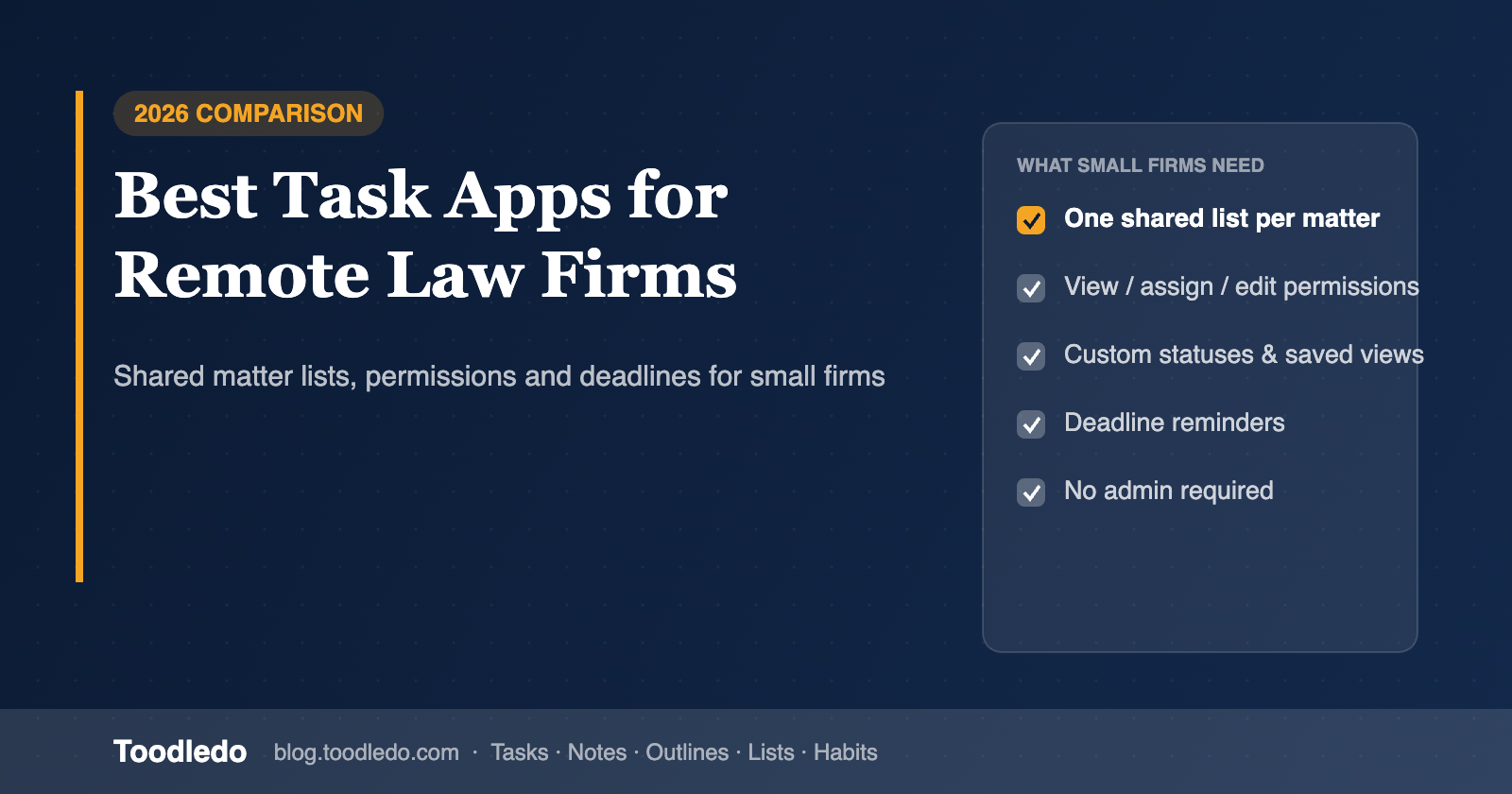
What a remote law firm actually needs from a task app
Most "best task app" lists are written for software teams. Law firms have different pressures, and four of them decide which tool survives past the first quarter.
One list per matter, visible to the right people. Every matter needs its own list of steps, and the people on that matter need to see all of it while people outside it see none of it. That means folder-level sharing with permissions, not a single firm-wide board.
Customizable to-do lists, not a fixed workflow. A litigation matter, a closing, and an estate plan do not share a workflow. The tool has to let each attorney define their own fields (status, priority, context, due and start dates, time estimates) and views, and let the firm reuse those as templates. This is the practical answer to the question of how customizable to-do lists improve collaboration: when everyone can filter the shared list down to "my tasks on this matter, due this week," nobody has to ask for status in a meeting.
Deadlines with reminders and recurrence. Court deadlines, filing windows, and recurring compliance tasks need reminders that reach people wherever they are, and recurring tasks that repeat from the due date or from completion.
Low administration. A ten-person firm has no one whose job is to maintain the task system. If the tool needs an admin, it becomes stale.
The best task apps for remote law firm collaboration
1. Toodledo — best for small firms that want shared matter lists with per-person permissions and deep customization
Toodledo is a task manager with 14 attributes per task (folder, context, tags, goal, priority, status, star, start and due dates with times, length, location, and repeat), saved searches that filter on any combination of them, and shared folders with three permission levels: view, assign, or edit. In practice a firm uses one folder per matter, shares it with the people on that matter, and lets each person run their own saved search for "assigned to me, due this week." Joint tasks stay in sync across everyone's lists, and an activity log shows who changed what.
Notes, outlines, lists, and habits live in the same account, so case notes and checklists sit next to the tasks they belong to. Recurring tasks can repeat from the due date or from the completion date, which matters for recurring compliance work. File attachments are available on paid plans. Toodledo for Business is priced per firm for the first ten users rather than per seat, which keeps the cost predictable as paralegals and assistants are added.
Trade-offs: no board or timeline view, a functional rather than polished interface, and it is not a practice-management system (no billing, conflicts, or document management). It replaces the task layer, not the practice-management layer.
Best for: firms of 2 to 50 that want a shared task system they can configure themselves and do not want per-seat pricing.
2. Clio Manage — best if you want tasks inside a legal practice-management system
Clio is a full practice-management platform with matter-linked tasks, calendaring, billing, and document storage. Tasks are tied to matters and visible to the matter team.
Trade-offs: task management is one feature among many, so filtering and personal views are basic compared to a dedicated task tool, and the per-user price reflects the whole platform, not just tasks.
Best for: firms that want one system for everything and are willing to pay for it.
3. Asana — best for firms running structured, multi-stage projects
Asana is the most common answer to "best task management app for remote collaboration," and for larger teams with defined project stages it is a strong one: assignments, dependencies, list and board views, and reporting are all mature.
Trade-offs: per-seat pricing adds up for a firm that includes assistants and paralegals, there is no notes or outline layer, and small firms often find the setup more than they need.
Best for: firms of 20 or more with a person responsible for maintaining the system.
4. Microsoft Planner and To Do — best for Microsoft 365 firms with simple needs
If the firm already runs on Microsoft 365, Planner handles shared boards and To Do handles personal lists at no extra cost, and both connect to Teams and Outlook.
Trade-offs: limited custom fields and filters, no per-person permission levels beyond group membership, and the two apps are only loosely connected.
Best for: Microsoft-centric firms whose matters do not need detailed task attributes.
5. ClickUp — best for firms that want maximum configurability and are prepared to set it up
ClickUp offers custom fields, multiple views, docs, and automations. A firm can model matters, stages, and deadlines in detail.
Trade-offs: the configurability is also the cost. Setup takes time, the interface is busy, and firms without a dedicated owner tend to abandon it.
Best for: firms with a legal-ops lead who will own the system.
6. Todoist — best for simple shared lists with fast capture
Todoist is quick to adopt, has excellent natural-language task entry, and shares projects easily. It works well for a very small firm that needs shared lists and reminders.
Trade-offs: limited custom fields, basic permissions, and no notes or outline layer.
Best for: solo practitioners and two- or three-person firms.
Comparison: what matters for a remote law firm
| App | Per-matter shared lists with permissions | Custom attributes and saved views | Notes and checklists with tasks | Recurring from completion | Admin required | Pricing model |
|---|---|---|---|---|---|---|
| Toodledo | Yes (view / assign / edit) | 14 attributes, saved searches | Yes (notes, outlines, lists) | Yes | No | Per firm (first 10 users) |
| Clio Manage | Yes (matter team) | Basic | Matter notes | Limited | Some | Per user (full platform) |
| Asana | Yes (project members) | Custom fields (paid) | Task description only | Yes | Some | Per seat |
| Microsoft Planner + To Do | Group-based | Limited | Via OneNote | Basic | No | Included in M365 |
| ClickUp | Yes | Extensive | Yes (Docs) | Yes | Yes | Per seat |
| Todoist | Basic sharing | Labels, filters | Comments only | Yes | No | Per user |
How customizable to-do lists improve collaboration in practice
The gain is not the customization itself; it is what customization removes. In a firm using a shared, filterable task list, three recurring frictions disappear. Status meetings shrink, because anyone can open the matter folder and see what is done, what is next, and who has it. Handoffs stop getting lost, because reassigning a task is a field change the other person sees immediately, not an email. And the remote attorney and the office paralegal work from the same list, filtered their own way, instead of maintaining two versions of the truth.
The firms that get this right tend to follow the same pattern: one folder per matter, a small agreed set of statuses, a template list for each matter type, and a saved view per person. None of that requires an administrator, and all of it requires a tool that lets the people doing the work define the fields.
Bottom line
For a remote law firm, the best task management app is the one every person on a matter will actually keep current. Large firms with structured projects and a systems owner are well served by Asana or ClickUp. Firms that want tasks inside practice management should look at Clio. Small and mid-sized firms that want shared per-matter lists, per-person permissions, customizable attributes, and notes in the same place, without per-seat pricing or an administrator, will find Toodledo the closest fit. See Toodledo for law firms for how firms set it up.