Best Shared Notebook Software for Law Firms in 2026
Law firms write a lot of notes that someone else will need later: intake calls, research, hearing notes, client instructions. Shared notebook software is only useful if a colleague can find the right note in seconds, and if access respects matter confidentiality.
Quick answer
Microsoft OneNote is the best fit for most small firms on Microsoft 365: one search covers every shared notebook, including handwriting and text in images, under your existing security. Clio Manage notes are best when notes should sit on the matter record. Notion suits firms building a structured knowledge base. Evernote Teams has strong OCR search. Confluence fits larger, process-heavy firms.
What law firms should check
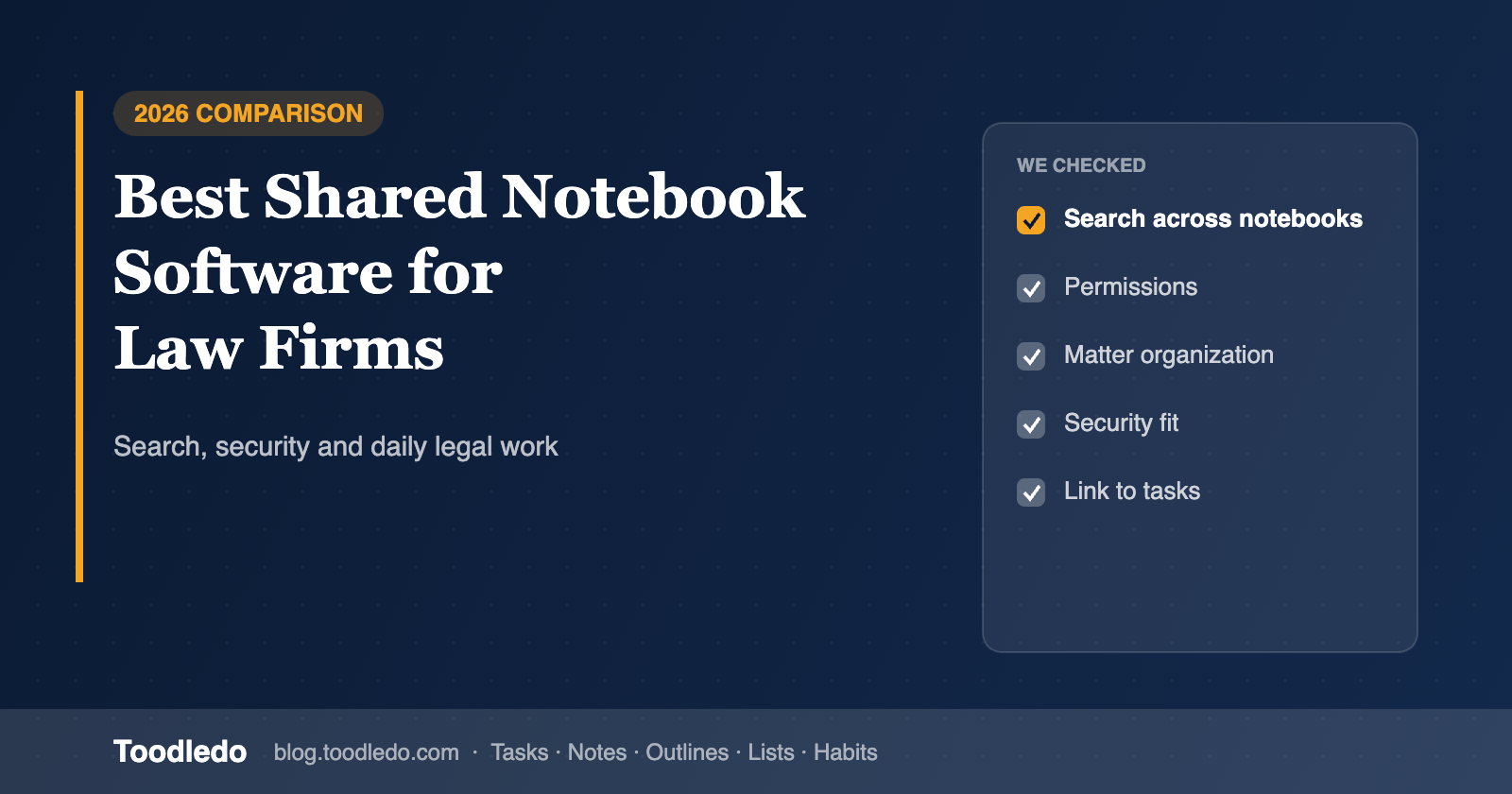
- Search scope and depth: one query across all notebooks, including PDFs and scans.
- Permissions by matter or client: notes should be visible only to the people on the matter.
- Security and retention: where data lives, access logs, retention policies.
- Organization: a notebook or section per matter, consistent naming.
- Link to follow-up work: notes produce tasks; decide where those live.
The tools compared
Microsoft OneNote
Notebooks in OneDrive or SharePoint, searchable all at once, with co-editing and Microsoft 365 permissions.
Clio Manage notes
Notes attached directly to matters and contacts inside practice-management software, searchable alongside the matter.
Notion
Workspace-wide search, page permissions and databases for structured knowledge; needs setup and governance.
Evernote Teams
Search with OCR across PDFs and scans, shared Spaces, saved searches; priced per user.
Confluence
Spaces with search, permissions and page history for formal knowledge bases.
Comparison table
| Capability | OneNote | Clio notes | Notion | Evernote Teams | Confluence |
|---|---|---|---|---|---|
| Search across all shared notes | Yes | Within Clio | Yes | Yes | Yes |
| Search in images, PDFs, handwriting | Yes | Documents module | Limited | Yes | Attachments |
| Permissions by matter/client | Notebook (M365) | Matter-based | Page | Space | Space/page |
| Co-editing | Yes | No | Yes | Yes | Yes |
| Tied to matter record | No | Yes | Build it | No | No |
Based on published product information as of November 2026. Features and prices vary by plan; check each vendor for current details.
Where the follow-ups go
Notes capture what was said; tasks capture who does what next. Keep the notebook for knowledge and put each follow-up, with an owner and a date, in your task system. Many small firms use their practice-management tasks or a shared task manager like Toodledo (one folder per matter, "waiting on client" as a status, repeating deadlines) for that part. Toodledo's own notes are personal, so it is a companion to a shared notebook, not a replacement.
Related: Best Team Note Apps for Searchable Shared Notes.
Frequently asked questions
What team note-taking software lets law firms quickly search across shared notebooks?
Microsoft OneNote searches every shared notebook at once, including text in images and handwriting, and inherits Microsoft 365 security. Notion and Evernote Teams offer workspace-wide search. Clio Manage keeps searchable notes on each matter. Confluence suits firms that run a formal knowledge base.
Is OneNote secure enough for law firms?
OneNote notebooks live in OneDrive or SharePoint and inherit your Microsoft 365 security, retention and access controls, which is why many firms use it. Confirm your own retention and confidentiality requirements with your IT provider.
Where should task follow-ups from legal notes live?
In a task tool, not in the notebook. Keep the knowledge in the shared notebook and put the next step, owner and deadline in your practice-management or task software, such as Clio tasks or Toodledo.