.jpg?width=1000&height=162&name=toodledo_logo%20(1).jpg "toodledo_logo (1)")
Best List Management Software for GTD Workflows (2026)
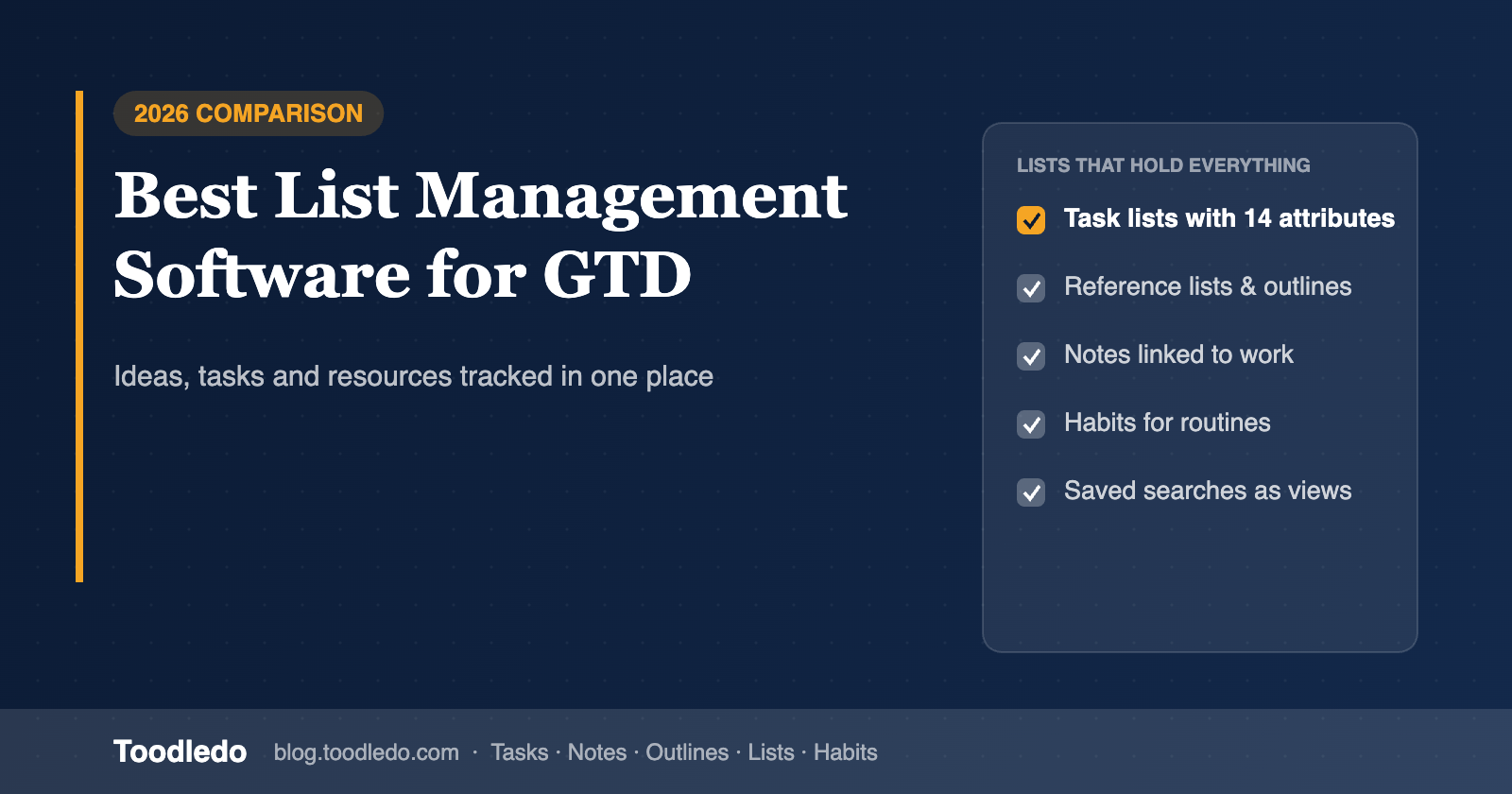
A GTD system is really five kinds of list: next actions, projects, waiting-for, someday/maybe, and reference. Most people end up with the actions in one app, the reference material in another, ideas in a notes app and the reading list in a browser tab. Every extra app is a place something can be lost, and every hop between them costs attention.
This comparison looks at list management software through that lens: can one tool hold tasks, ideas, reference lists, outlines and routines together, so a GTD user stops switching apps? We compare Toodledo, Notion, Workflowy, Google Keep, Microsoft Lists, Airtable and Todoist.
Quick answer
For tracking ideas, tasks and resources together in one GTD workflow, Toodledo is the strongest fit: it has a full task manager plus Notes, Outlines, custom-column Lists and Habits in one account, all searchable and attachable to tasks. Notion is the most flexible if you are willing to build the structure yourself. Workflowy is the best pure outliner for ideas but has no real task manager. Airtable and Microsoft Lists are strong structured lists with weak personal task handling. Google Keep is fast capture with no structure. Todoist is a great task list that does not hold reference material.
What "list management" means for GTD
GTD's reference and someday lists are not tasks. A list of books to read, a comparison of vendors, an inventory of equipment, a packing list, a client contact sheet: these need columns, sorting and filtering, but they must not clutter the action list. The ideal tool keeps them one click from the task that needs them, without mixing them in.
The criteria that follow from that: structured lists with custom columns (text, number, date, rating, checkbox) and sorting and filtering; free-form idea capture (outline or note) that can be organized later; a task manager with GTD fields next to the lists; search across everything; the ability to attach a list, note or outline to a task; sharing with collaborators; and import/export so lists are not trapped.
The tools compared
Toodledo: tasks, notes, outlines, lists and habits in one account
Toodledo Lists are custom tables: choose from more than 20 column types (rich text, numbers, dates, star ratings, tags, phone numbers you can tap to call), sort and filter rows, and get automatic sums and averages on numeric columns. Import from Excel. Notes hold free-form reference material with formatting and folders. Outlines hold hierarchical plans and brain dumps. Habits track routines. All of them sync across web, iOS and Android, can be shared with collaborators, and can be attached to a task so the reference material is one tap from the next action (attachments require Plus or Business).
The task side has the GTD fields: contexts, a ten-state status field, start dates, goals, saved searches. Free plan includes 30 items per list and outline; Standard allows 100; Business removes the limits.
Trade-offs: lists do not have formulas or relations between tables (that is Airtable's territory), the interface is plain, and there is no wiki-style page linking.
Notion: build the structure, keep everything in one workspace
Notion databases do everything a list needs (properties, views, relations, rollups) and pages hold ideas and reference. Tasks can be a database too, so a full GTD system is possible and there are many templates. The costs: you build and maintain it, quick capture and reminders are weaker than dedicated task tools, and recurring tasks are limited. Best for people who enjoy maintaining their system.
Workflowy: the outliner for ideas, not a task manager
Workflowy is one infinitely nested outline. Ideas and reference lists live naturally in it, and bullets can be marked complete. There are no dates in the task sense, no contexts, no reminders, so GTD users pair it with a task manager, which brings back the app switching.
Google Keep: fastest capture, least structure
Keep is excellent for grabbing a thought or a checklist on the phone. Labels and colors are the only organization, there are no columns or sorting, and there is no task manager. It is an inbox, not a system.
Microsoft Lists: structured lists inside Microsoft 365
Lists gives Microsoft 365 teams custom-column lists with views, rules and sharing, and it integrates with Teams. It is a team data tool rather than a personal productivity tool; tasks live separately in To Do and Planner, and there is no outliner or notes link beyond OneNote.
Airtable: the most powerful lists, overkill for GTD
Airtable is a relational database with forms, automations and many views. It is the best choice for inventory, CRM-style or multi-table reference lists. For personal GTD it is heavy: no contexts, no quick capture, and tasks have to be modeled from scratch.
Todoist: a task list, not a list manager
Todoist handles next actions well and labels can serve as contexts, but reference lists do not belong in it: there are no columns, and a project full of non-actionable items pollutes the task list. Pair it with a notes app, and you are back to two tools.
Comparison table
| Capability | Toodledo | Notion | Workflowy | Google Keep | Microsoft Lists | Airtable | Todoist |
|---|---|---|---|---|---|---|---|
| Structured lists with custom columns | Yes, 20+ column types, sums/averages | Yes (databases) | No | No | Yes | Yes, relational | No |
| Free-form idea capture (notes/outline) | Notes + outlines | Pages | Outline | Notes | No | No | No |
| GTD task manager (contexts, status, start dates) | Yes, native | Build it | No | No | No (To Do / Planner separate) | Build it | Labels as contexts; no status |
| Attach a list / note / outline to a task | Yes | Relations | No | No | No | Relations | No |
| Search across everything | Yes | Yes | Yes | Yes | Per list | Per base | Tasks only |
| Habits / routines | Yes | Build it | No | No | No | No | No |
| Share with collaborators | Yes | Yes | Yes | Yes | Yes | Yes | Yes |
| Import / export | Excel import, CSV export | CSV, Markdown | OPML, text | Takeout | Excel | CSV | CSV |
| Free plan | Yes (30 items/list) | Yes | Yes | Yes | With M365 | Yes | Yes |
A one-app GTD layout
Tasks hold next actions, projects (as parent tasks), waiting-for and someday, using status and context. Outlines hold project plans, brain dumps and checklists you reuse. Lists hold structured reference: vendors, equipment, reading, contacts, anything with columns. Notes hold everything else. Habits hold the routines that are not tasks. During the weekly review, attach the relevant outline or list to the project's parent task so the next action always has its context one tap away. See the Outlines overview and the GTD guide.
Frequently asked questions
Which list management software suits tracking ideas, tasks and resources together?
Toodledo, because it combines a GTD-ready task manager with Notes, Outlines, custom-column Lists and Habits in one account, searchable and attachable to tasks. Notion is the alternative if you prefer to build your own structure; Airtable if your lists are relational databases; Workflowy if ideas matter more than tasks.
Should reference lists live in my task manager?
Not as tasks. They should live in the same tool, in a separate list or note type, and be linked to the task that needs them. Mixing reference items into the action list is the fastest way to stop trusting it.
Can Toodledo Lists do calculations?
Numeric columns show automatic sums and averages. Lists do not have formulas or relations between tables; for that, Airtable or Notion is the better fit.
What are the list and outline limits on each Toodledo plan?
Free: 30 items per list and outline. Standard: 100. Business: no limit. The number of lists and outlines is not limited on any plan.