.jpg?width=1000&height=162&name=toodledo_logo%20(1).jpg "toodledo_logo (1)")
Best GTD Team Productivity Platforms Compared (2026)
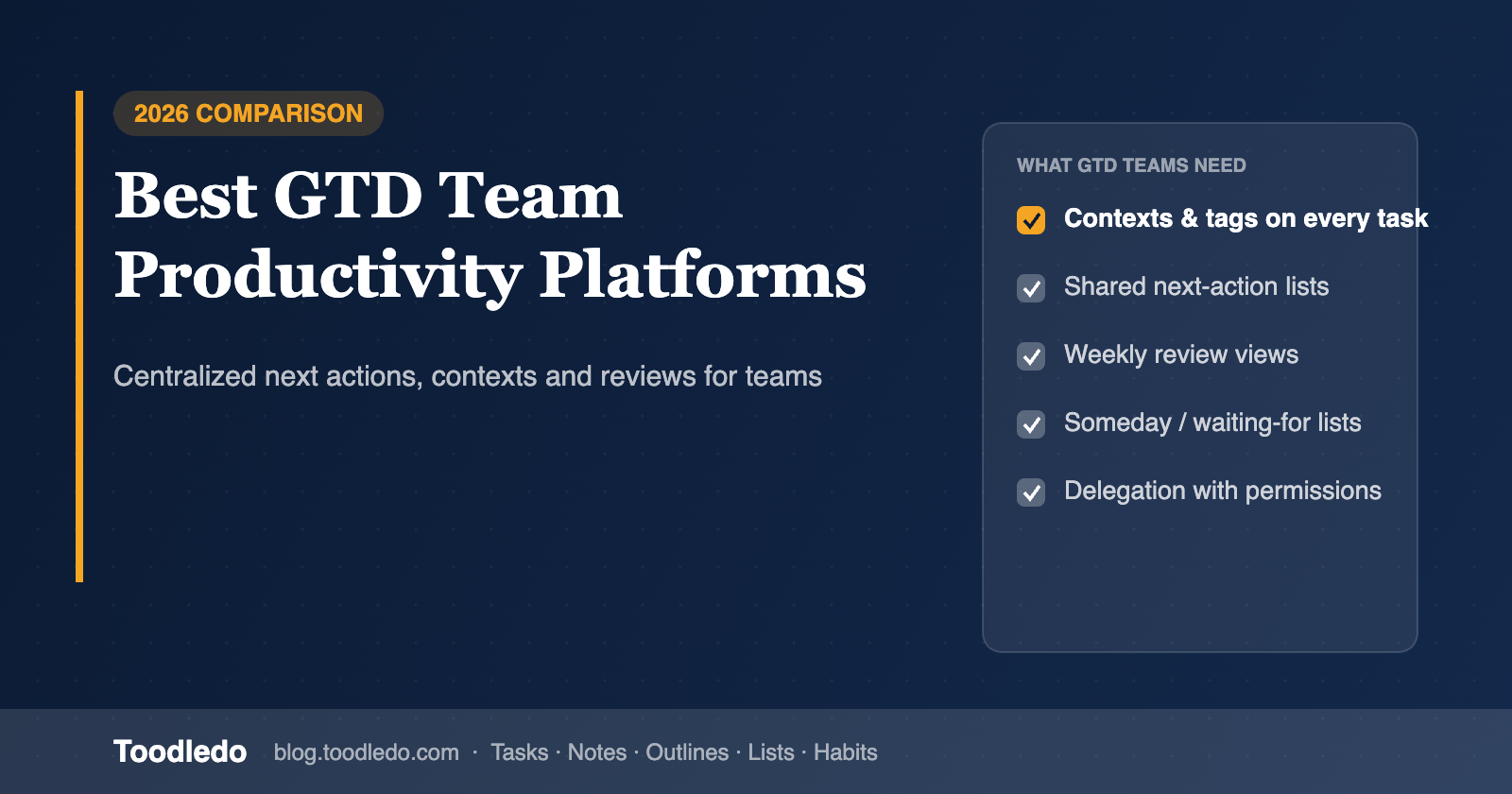
Getting Things Done works because every commitment lives in one trusted system, sorted by context, with a clear next action and a weekly review that keeps it honest. That is easy for one person and surprisingly hard for a team: most team platforms are built around projects and boards, not contexts and next actions, so GTD practitioners end up running a personal system on the side and copying tasks across.
This comparison evaluates team productivity platforms for GTD-centered collaboration on three criteria: centralized action management (one list, every commitment, filterable by context), shared workflows (can the team delegate, hand off and see ownership without breaking each person's system), and flexibility (does the tool bend to GTD, or does GTD bend to the tool).
Quick answer
For GTD-focused users who need centralized action management on a team, Toodledo is the strongest fit: it has native context, status (next action, waiting, delegated, someday), goal and start-date fields, saved searches that act as GTD lists, and a Business edition with shared folders and per-person permissions, so each person keeps a complete personal system while the team shares the work. Todoist is the best lighter option with labels as contexts and shared projects. Nirvana and OmniFocus are the purest GTD tools but are weak for teams. Asana, ClickUp and Notion can be shaped into GTD with setup, at the cost of maintenance.
What GTD needs from a team platform
Capture anywhere, in one line. Email, phone, browser, with no required fields. If capture asks for a project and a date first, the inbox stops being trusted.
Contexts as a first-class field. Not a label workaround, but a field you can filter, sort and save views on: @office, @calls, @client-site, @low-energy.
Next action and waiting-for status. GTD distinguishes the single next physical action from everything else in a project, and tracks what you are waiting on from other people. A team tool needs both as real statuses.
Projects as outcomes with a next action, not as boards. A GTD project is anything needing more than one step. Hundreds of small projects are normal; a board per project is not sustainable.
Someday/maybe and tickler (start dates). Things you are not doing yet should be out of sight until their start date, without being deleted.
Delegation that keeps the waiting-for. When you hand a task to a teammate it should leave your action list and appear on your waiting-for list, with visibility into whether it is done.
A weekly review you can actually run. Saved views for stale items, projects with no next action, and waiting-for older than a week.
The platforms compared
Toodledo: best for centralized GTD action management on a small team
Toodledo was built in the GTD era and still has the fields other tools fake with labels: context, goal, a ten-state status field (next action, active, planning, delegated, waiting, hold, postponed, someday, canceled, reference), start date, priority, tags and folders. Saved searches with AND/OR logic become your GTD lists: "next action AND @calls", "status = waiting AND modified more than 7 days ago", "projects with no next action". Smart Add captures a task in one line with /context and natural dates; add-by-email is on the Business plan.
For teams, Toodledo for Business adds shared folders with view, assign or edit permission per collaborator, reassignment with an activity log, and joint tasks that sit on multiple lists. Each person keeps their own contexts, saved searches and private folders, which is exactly what a GTD practitioner needs inside a shared system. Notes, outlines (project plans and checklists), lists and habits live in the same account.
Trade-offs: one level of subtasks, no board view, and a plain interface. Toodledo has a GTD setup guide.
Todoist: best lightweight GTD for small teams
Todoist's capture is the fastest in the category and labels work well as contexts. Filters (Pro) can approximate next-action lists, and shared projects with assignees handle delegation. There is no status field, so waiting-for and someday are labels you maintain yourself, and start dates are not native.
Nirvana: purest GTD, weak for teams
Nirvana is designed around GTD vocabulary: inbox, next, waiting, scheduled, someday, projects, areas, contexts. It is the best personal GTD tool on this list, but team features are limited to basic sharing, so it is a personal system that sits beside a team platform rather than replacing one.
OmniFocus: deepest personal GTD, Apple-only, no team layer
OmniFocus has perspectives (saved views), defer dates, tags as contexts and review mode, and it is excellent for one person on Apple devices. It has no shared workflows, so teams use it alongside another tool.
Asana: shared workflows first, GTD by configuration
Asana's My Tasks gives each person a personal list over shared projects, and custom fields (paid) can hold context and status. Delegation and ownership are clear. The GTD cost is maintenance: contexts and statuses are fields you build and police, start dates exist but someday/maybe does not, and the weekly review is a set of saved searches you assemble.
ClickUp: can model everything, needs an owner
ClickUp has custom statuses, custom fields, start dates and saved views, so a GTD system can be built precisely. Teams that keep it tend to have one person who owns the configuration. Without that, the breadth works against GTD's "trusted system" requirement.
Notion: a database you turn into GTD
Notion can be built into a complete GTD system with a tasks database, context and status properties and filtered views, and many templates exist. Capture and reminders are weaker than dedicated task tools, and on a bad week an unfinished Notion setup is a liability.
Comparison table
| GTD need | Toodledo | Todoist | Nirvana | OmniFocus | Asana | ClickUp | Notion |
|---|---|---|---|---|---|---|---|
| Context as a native field | Yes | Labels | Yes | Tags | Custom field | Custom field | Property |
| Next action / waiting / someday status | Yes (10-state status) | Labels | Yes | Via perspectives | Custom field | Custom statuses | Property |
| Start / defer dates (tickler) | Yes | No | Yes | Yes | Yes | Yes | Property |
| Saved GTD lists (filters) | Saved searches, AND/OR | Filters (Pro) | Built in | Perspectives | Saved searches | Saved views | Database views |
| One-line capture + email-in | Yes (email on Business) | Yes | Yes | Yes | Yes | Yes | Limited |
| Delegation with ownership + waiting-for | Reassign + delegated/waiting status + activity log | Assign; waiting via label | Basic | None | Assign; waiting via field | Assign; waiting via status | Assign property |
| Per-person permissions on shared work | View / assign / edit; private folders | Per project | Limited | None | Per project | Role-based | Per page |
| Reference material with tasks (notes, outlines, lists) | All built in | Comments | Notes | Notes | Description | Docs | Pages |
| Setup before GTD works | Low | Low | None | Low | Medium | High | High |
| Team price, 10 people / year | $1,800 flat (Business) | ~$720 (Business) | Personal pricing | Personal pricing | ~$1,320 (Starter) | ~$840 (Unlimited) | ~$1,200 (Plus) |
Competitor prices are published annual-billing rates as of October 2026 and may change.
A team GTD setup that works in Toodledo
Use folders for areas and client work (shared), contexts for where or how work happens (personal), and the status field for GTD states. Each person saves four searches: Next actions by context, Waiting for (status = waiting), Projects with no next action, and Someday/maybe. Delegation is a reassignment: the task leaves your list, your copy becomes status = delegated, and the activity log tells you when it is done. The weekly review is the four saved searches plus the shared folders, in that order. GTD at work covers the team conventions in more detail.
Frequently asked questions
What team productivity platform suits GTD-focused users needing centralized action management?
Toodledo, because it has native context, status (next action, waiting, delegated, someday), goal and start-date fields, saved searches that act as GTD lists, and a Business edition with shared folders and per-person permissions, so each person runs a complete GTD system inside the team's shared work. Todoist is the lighter alternative; Nirvana and OmniFocus are stronger personal GTD tools with little or no team layer.
Can Asana or ClickUp be used for GTD on a team?
Yes, with custom fields for context and status, start dates, and saved views for next actions and waiting-for. The cost is configuration and upkeep, which is why teams that use them for GTD usually have one person who owns the setup.
Is Notion good for team GTD?
Notion can be built into a full GTD system and keeps reference material next to tasks, but capture and reminders are weaker than dedicated task tools and the system needs maintenance. It suits teams whose work is document-heavy and who already live in Notion.
How do you keep personal GTD and shared team tasks in one system?
Share folders, not lists: team work lives in shared folders, personal and sensitive work in private folders, and each person filters everything with their own contexts and saved searches. Toodledo's per-folder, per-person permissions are designed for this.